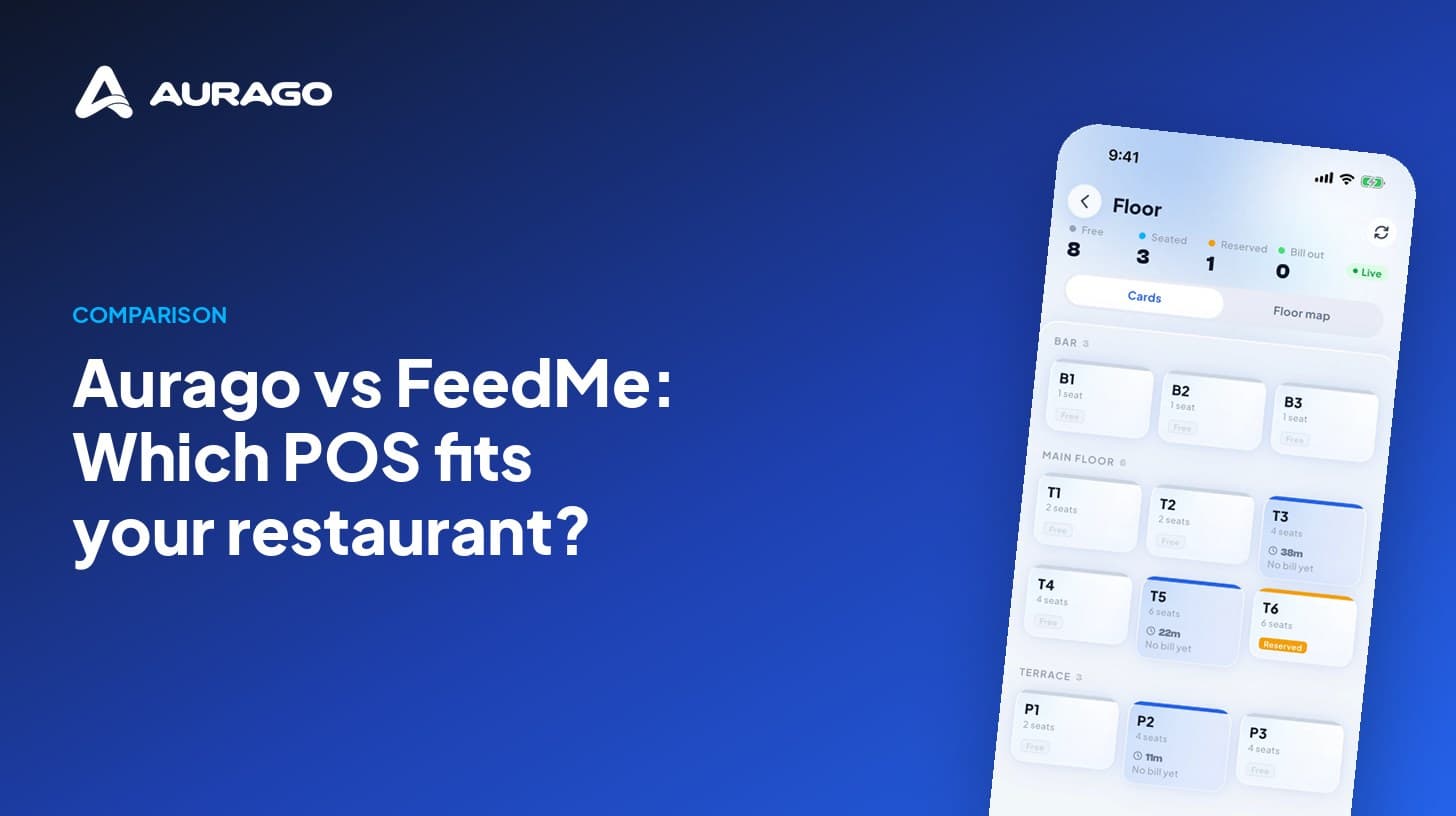
Aurago vs FeedMe: Which POS Fits Your Restaurant?
FeedMe is a restaurant POS with its own hardware. Aurago's till shares one set of records with your books and payroll. Prices and features, side by side.
E-invoicing is becoming mandatory for more businesses every year. A short, practical checklist for making the switch without disrupting your billing.
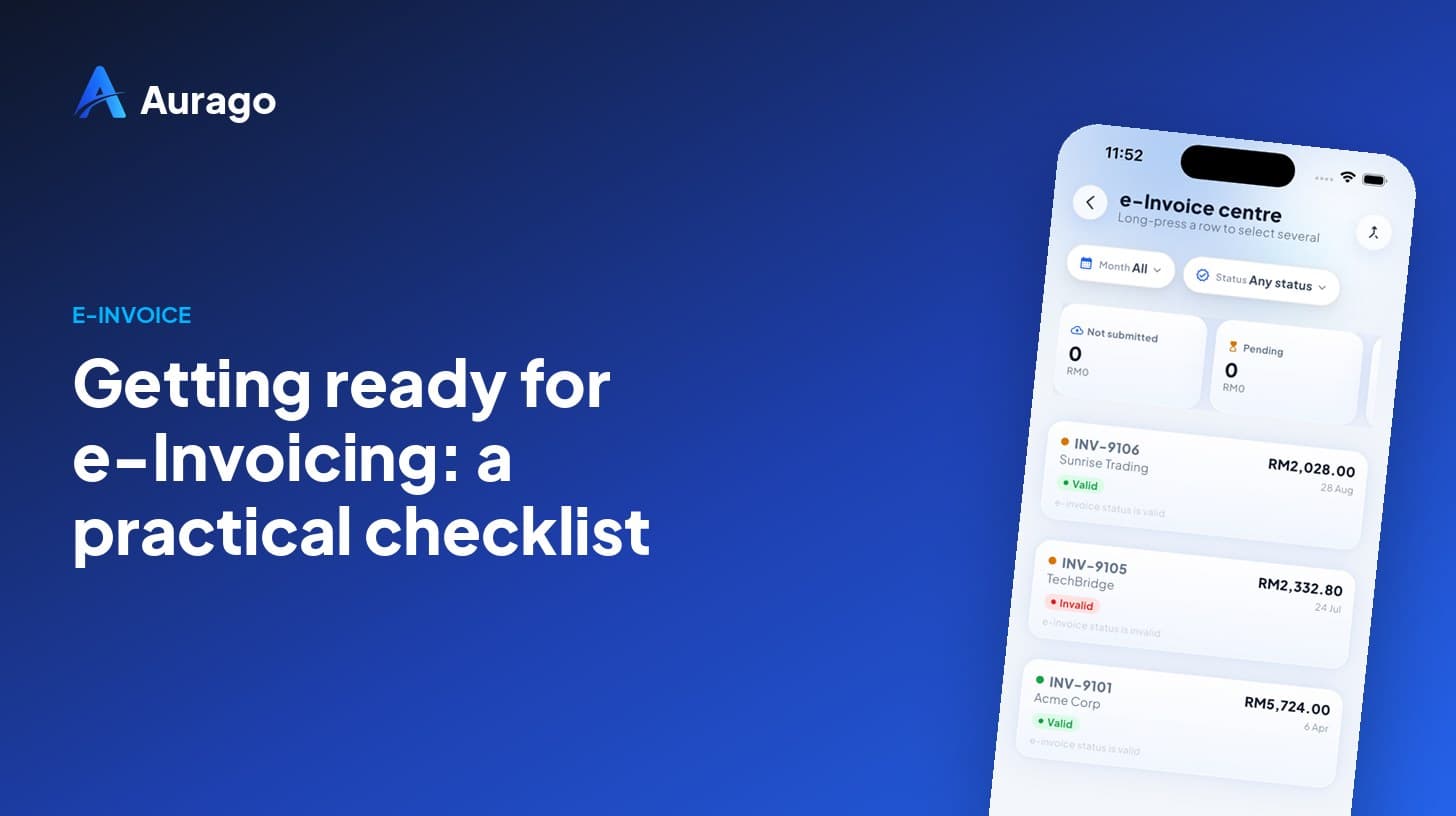
E-invoicing replaces the PDF-in-an-email with a structured document that is validated by the tax authority before it reaches your customer. The change is less about technology than about getting your master data in order.
Every e-invoice needs the buyer's registration number, tax identification and address in the right format. Clean these up first — most rejected submissions are caused by incomplete customer profiles, not by the invoice itself.
Each line item carries a classification code and a tax code. Assign them once at product level so every future invoice inherits the right values automatically.
Walk-in and low-value sales can usually be consolidated into one monthly e-invoice. Agree the rule with your accountant and let the system apply it, rather than deciding sale by sale.
A cancelled or amended invoice has to be reversed with a matching e-document. If your billing tool issues credit and debit notes from the original invoice, the audit trail takes care of itself.
"Preparation is the difference between a smooth cut-over and a month of rejected submissions."
Aurago issues quotations, invoices, credit notes and MyInvois-ready e-invoices from one ledger, so the switch is a setting, not a migration.
Sign up without a card. Use the whole product free until the end of the month, or the end of next month if you join in its last two weeks. At period close you get a real, itemised invoice for RM 0.00 showing what it would have cost.